Your own Ruter.no realtime monitor
Table of Contents
#
Overview
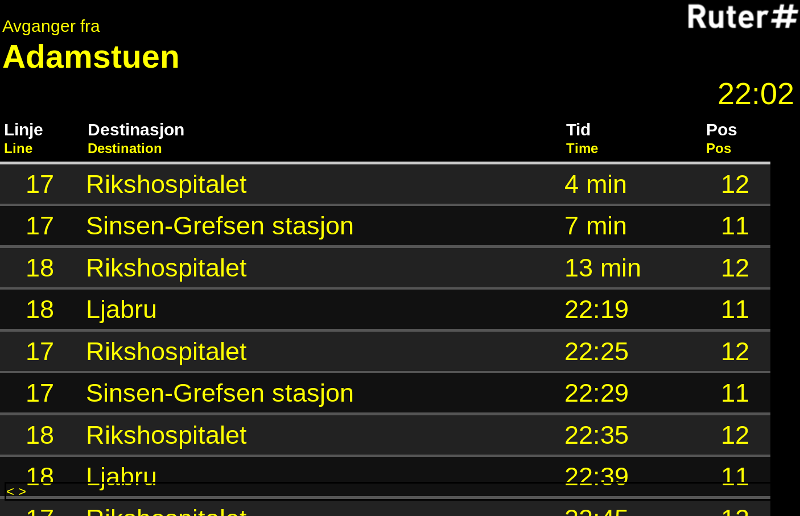
By request, a quick how-to on setting up your own realtime monitor for ruter.no, Oslos public transit.
#
As simple as possible
- Get an old laptop
- Set it to start a web browser at boot
- Make the browser start to i.e. http://mon.ruter.no/monitor/3010314/Adamstuen/2190090
Done!
#
Background
Ruter has an API, so you can go crazy and implement your own client easily, like I’ve done with rutercli. But there’s a much simpler solution. They’ve got a website in the same style as their public monitors, mon.ruter.no. You can start with the link above, and find the numbers and names you need from a normal ruter.no search. You’ll also find NSB stuff there. See ruter.no/reiseplanlegger/sanntid/egen-sanntidsskjerm for more info.
#
In a white wooden frame
Here’s a basic example in a photo frame:
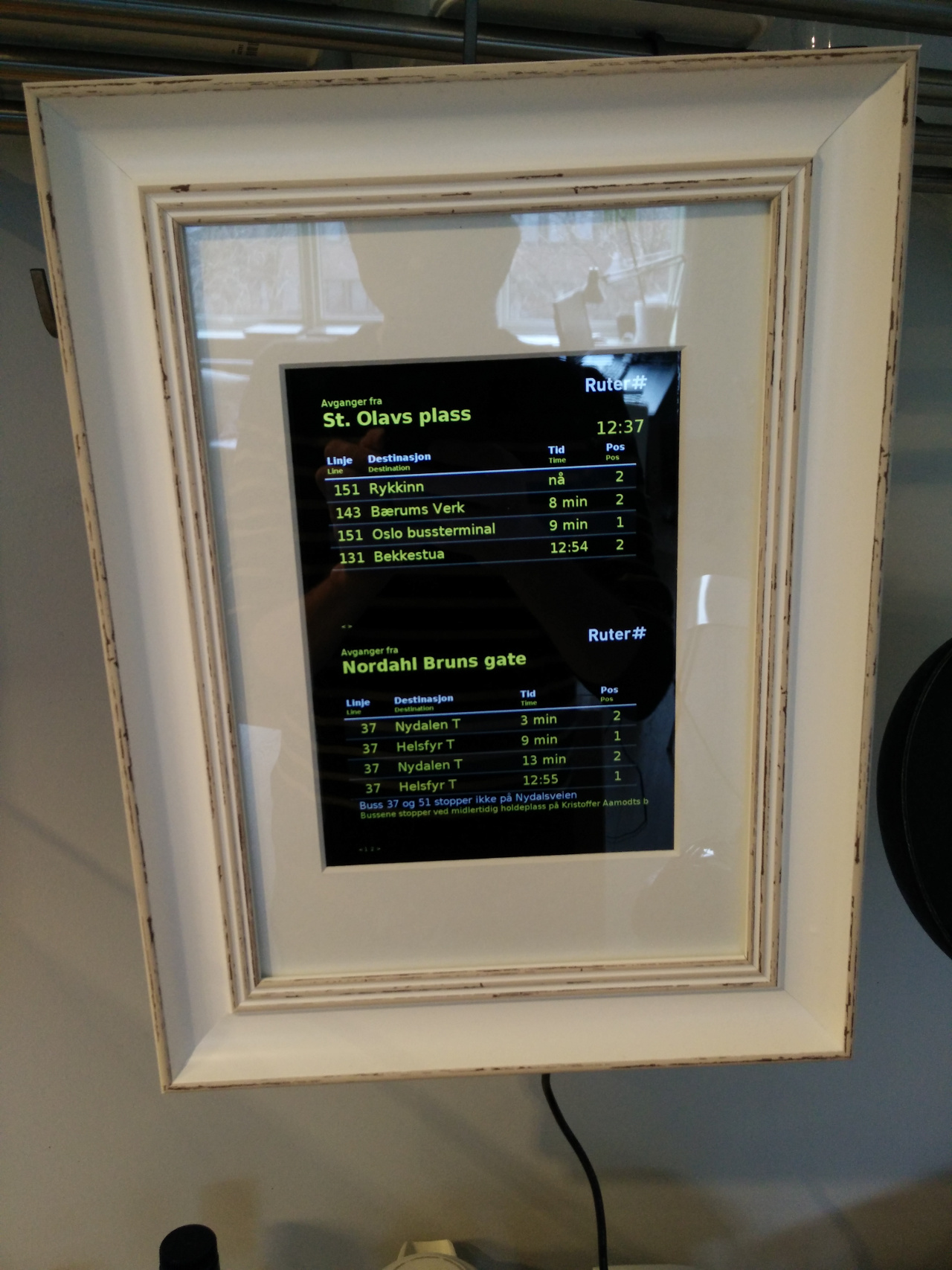
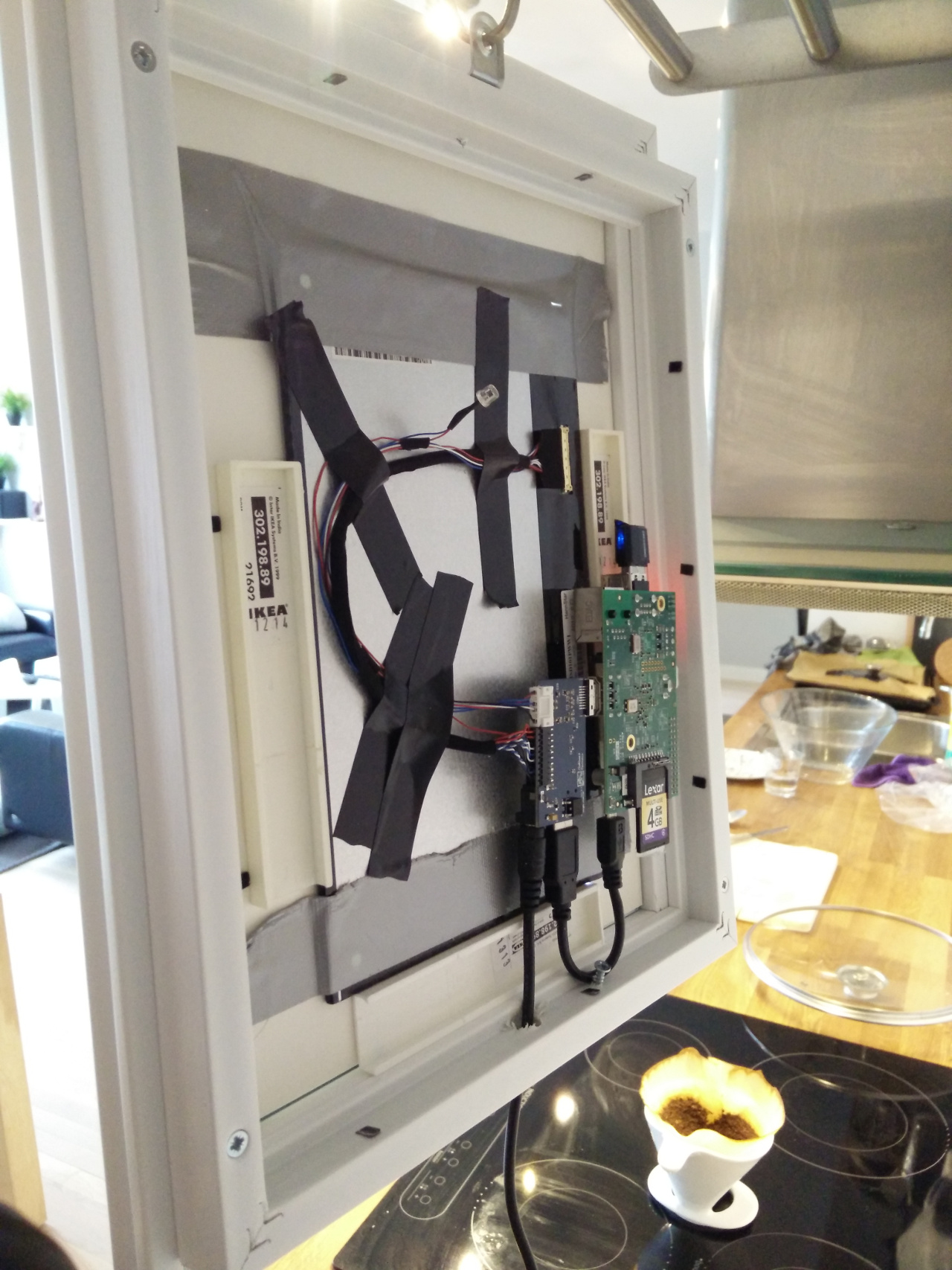
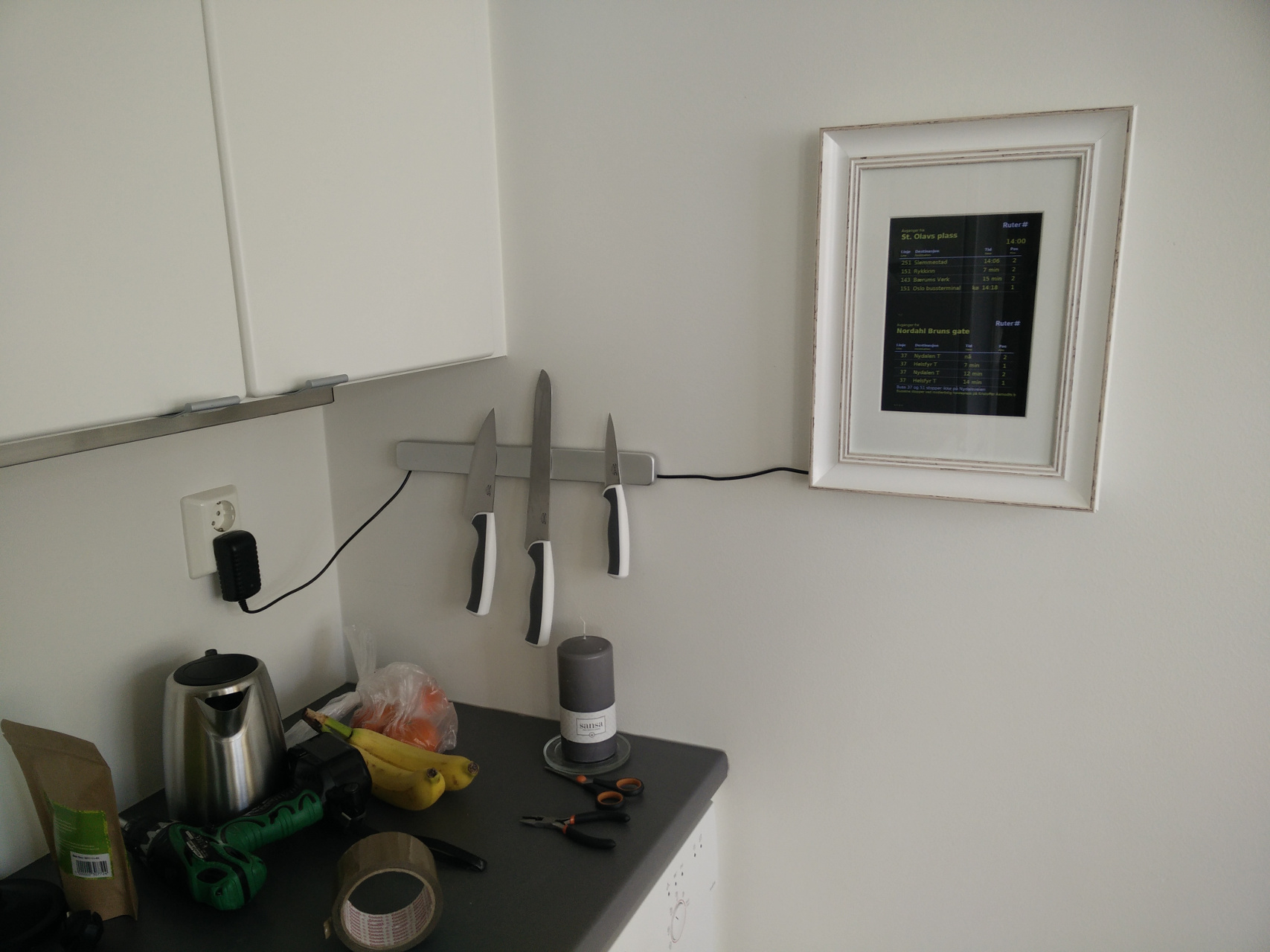
This one is run by a Raspberry Pi model B, but any model will do. The screen is from Chalk-elec, but any display will do. The frame is a normal photo frame. Then there’s some glue and plastics on the back to hold it all together.
To align two different transits use something like this HTML:
<!DOCTYPE html>
<html>
<head>
<TITLE>Info Screen</TITLE>
<meta http-equiv="refresh" content="6000">
<meta charset="utf-8">
</HEAD>
<body style="background-color:#2a2a2a" scroll="no">

  <iframe src="http://mon.ruter.no/monitor/2190090/Østerås [T-bane] (Bærum)?rows=4 " align="left" width=100% height=550 scrolling="no"  frameborder="0">
  </iframe>

  <iframe src="http://mon.ruter.no/monitor/2190090/Østerås [T-bane] (Bærum)?rows=4 " align="left" width=100% height=550 scrolling="no"  frameborder="0">
  </iframe>

</body>
</HTML>
And to have it start automatically at boot, edit /etc/xdg/lxsession/LXDE/autostart to look like this:
@xset s off
@xset -dpms
@xset s noblank
@unclutter
My crontab:
@daily /sbin/reboot
@reboot sleep 10; /root/browser.sh
And /root/browser.sh contains:
#!/bin/bash

killall midori
midori \
  --app=rutyr.html \
  --display=:0 \
  --execute Fullscreen